
Browser route preview
Let recipients view the route line and available statistics before importing a file.
UAE routes / GPX and sharing
Navra turns saved routes and recorded drives into links your crew can open in a browser. View the route line, distance and available elevation information, download the GPX and import it into Navra for iPhone or Android.
The practical fit
A shared track lets the crew see what was planned or recorded before the next outing. The route page displays the track and available statistics without requiring the recipient to log in, and provides a GPX download.
The Sweihan Cobwebs Drive is a working example: a recorded UAE desert drive with a route preview, distance, moving time and elevation information. Open the example below to see the actual shared track. Conditions and access can change between drives.
For Liwa, Sweihan, Al Qudra or Hatta, prepare a route suited to your crew and verify local access. A recorded line shows a previous drive; it does not establish current difficulty or certify that every section can be repeated.
What it solves
Let recipients view the route line and available statistics before importing a file.
Export the shared route as a GPX file that can be imported into Navra or another compatible navigation app.
Keep a track of where you drove and share the resulting record with your crew.
With Navra Pro, download the relevant areas before leaving coverage. GPS positioning can continue without mobile data.
Routes and drive packs
The GPX file is one part of a prepared trip. Navra keeps the route, waypoints, meeting point and crew briefing close to the drive.
How it fits
Share a saved route or recorded drive from Navra. Send the link with your meeting point, trip context and briefing.
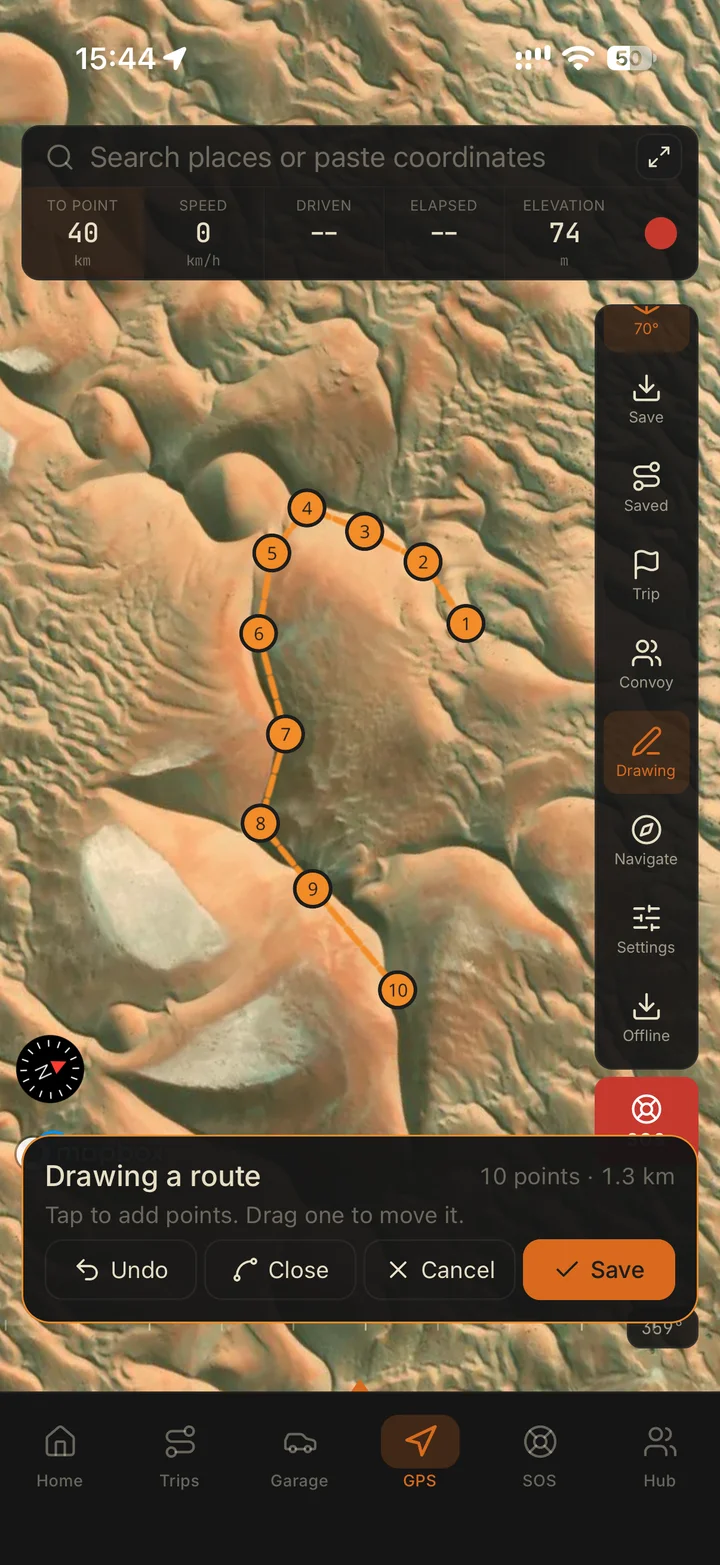
Open the shared page and select Download GPX. In Navra, open GPS, Saved, then Import route file.
Review the route and waypoints, download needed map areas with Pro, and confirm the plan with the convoy lead.
Straight answers
Yes. A shared route link opens a browser preview and a GPX download without requiring a Navra login. Anyone with the link can view it.
Open the shared link, select Download GPX, then in Navra open GPS, Saved, Import route file and choose the downloaded file.
No. The GPX file contains the track or route information; map downloads are separate. Offline map downloads, terrain and 3D maps are available with Navra Pro. Download the areas you need before leaving mobile coverage.
No. Personal share links are excluded from search indexing. The Sweihan Cobwebs recording was explicitly selected for a public example page; it is not a reviewed directory of approved trails.
Download Navra for iPhone or Android, import the GPX and prepare your next drive.