The Navra web app is where the planning gets easier: draw routes that follow the roads, check the climb, tidy your library, build offline map packs and run a convoy, all from your browser and all tied to the account you already use in the app.
Works in any modern desktop browser. Uses your Navra account.
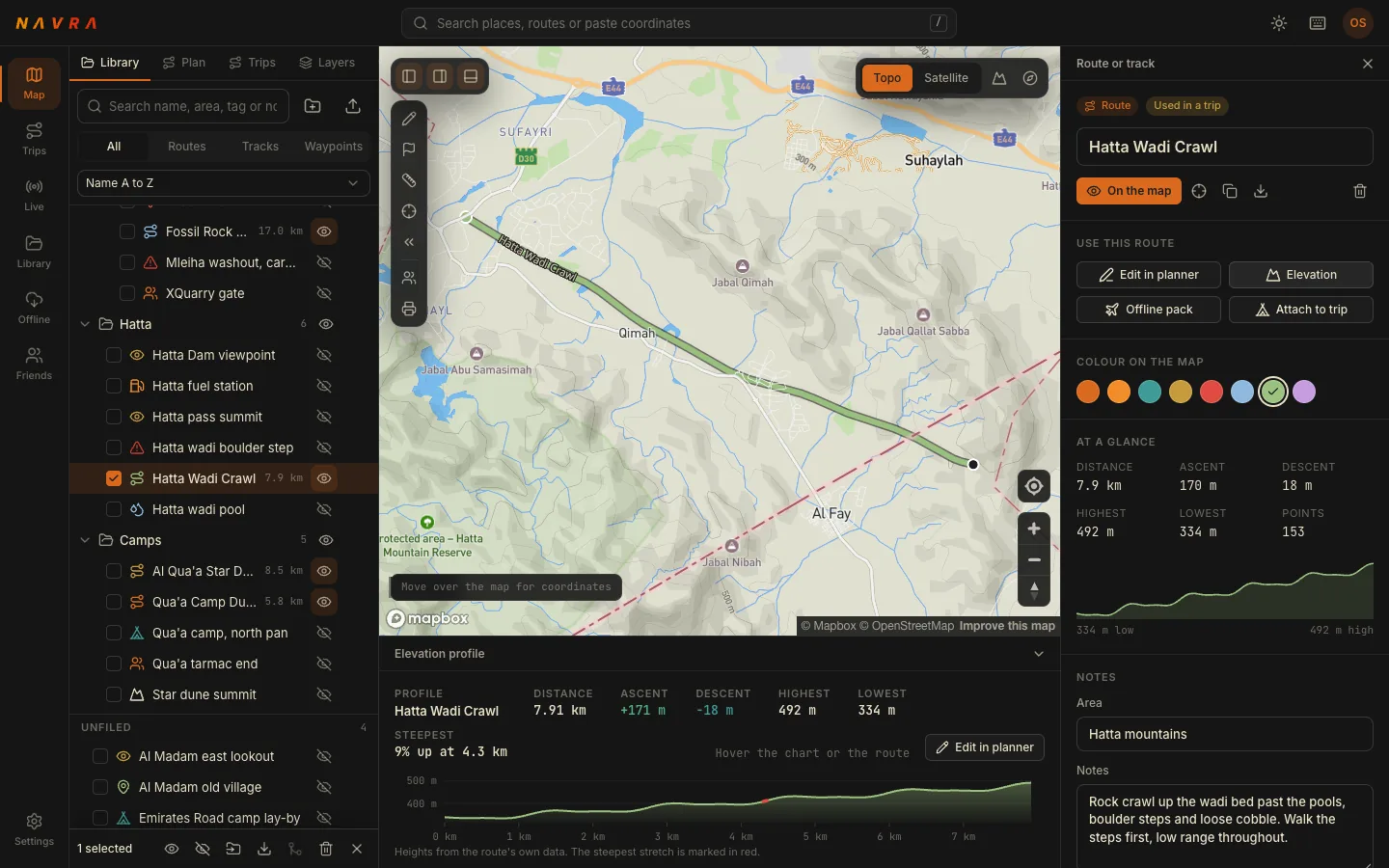
Sample data shown. The web app on a laptop: a saved route in the Hatta mountains with its elevation profile.
What you can do
Everything you plan, on a screen that fits it
Five things the big screen does better than a phone, each one working with the same routes, trips and packs you carry in your pocket.
01
A route planner built for the desert
Draw a route by clicking the map. Switch on follow roads to snap it to the tarmac and tracks, or leave it off to cut straight across the sand. The climb, descent, steepest stretch and drive time update as you go.
Follow roads or draw off-road
Elevation profile with the steepest stretch marked
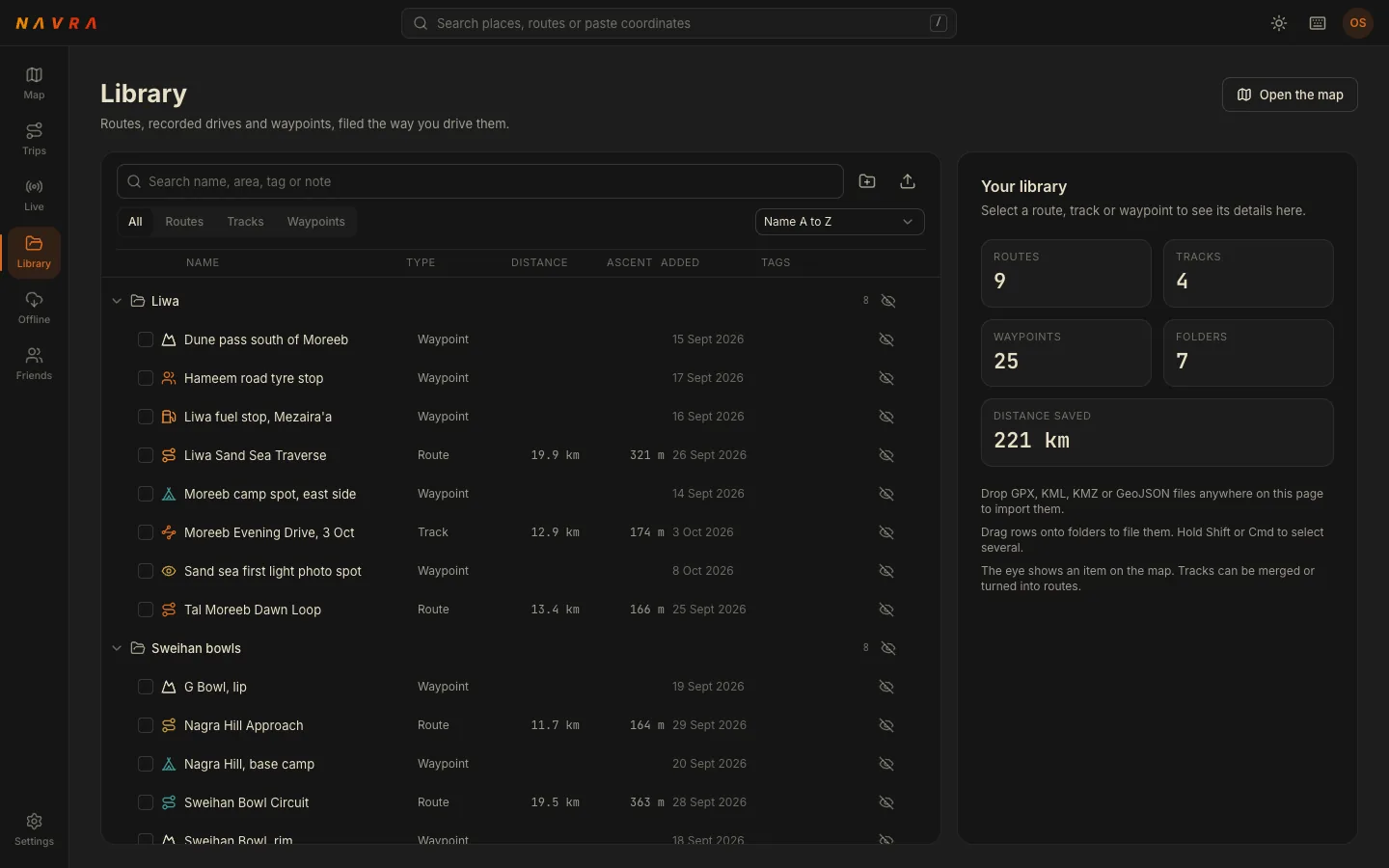
Bring in the routes, tracks and waypoints you already have and keep them in folders that match how you drive. Export anything back out when a friend or another device needs it.
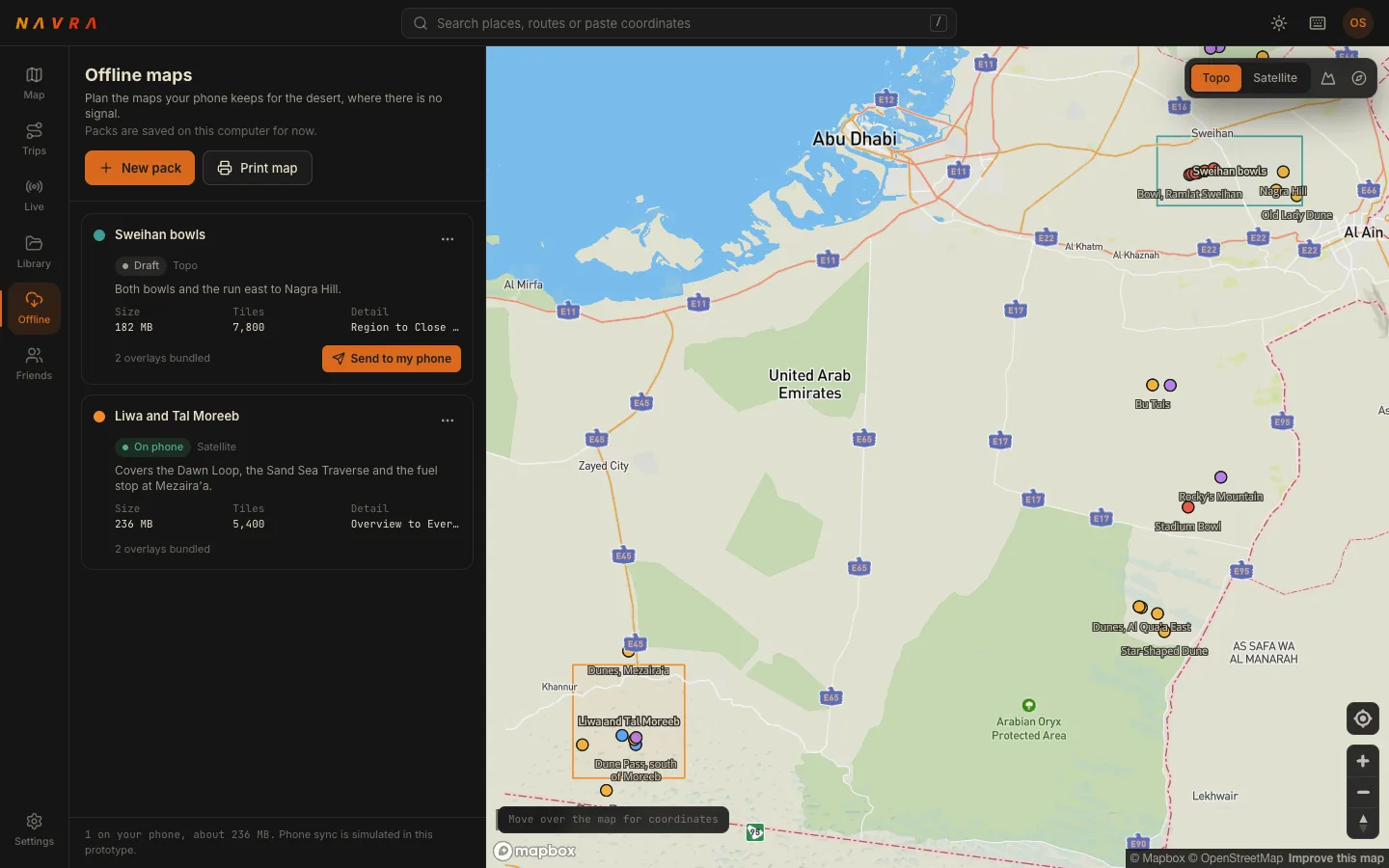
Draw a box around the area you are driving, choose the map style and detail, and see the size before you commit. Much easier than dragging a rectangle with a thumb.
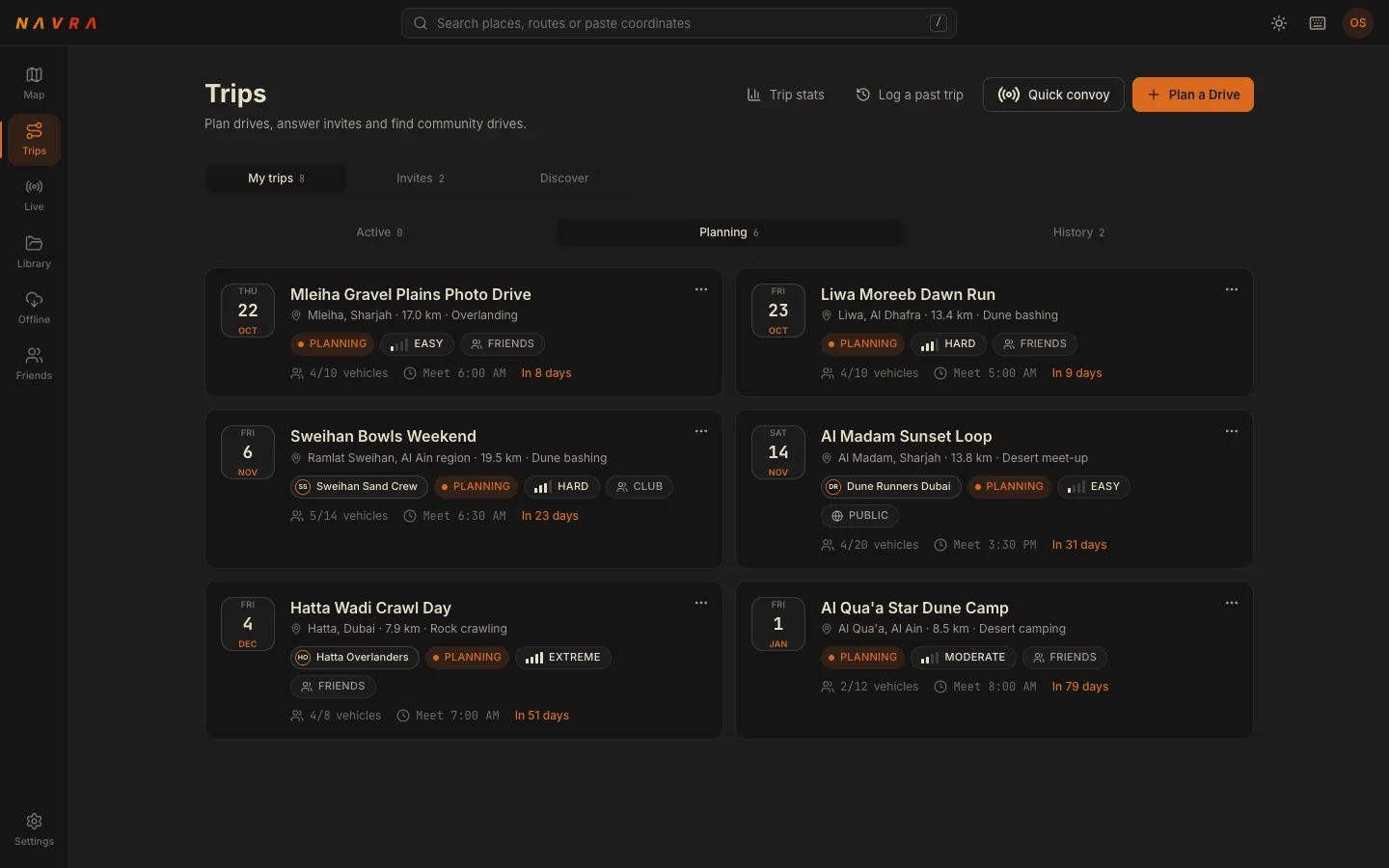
Set the meeting point, the time and the route, then invite the crew. Answer invites, see who is coming and keep the whole plan in one place instead of a group chat.
Plan a drive, log a past trip or start a quick convoy
Invites, club drives and community drives
The same trips you see in the app
05
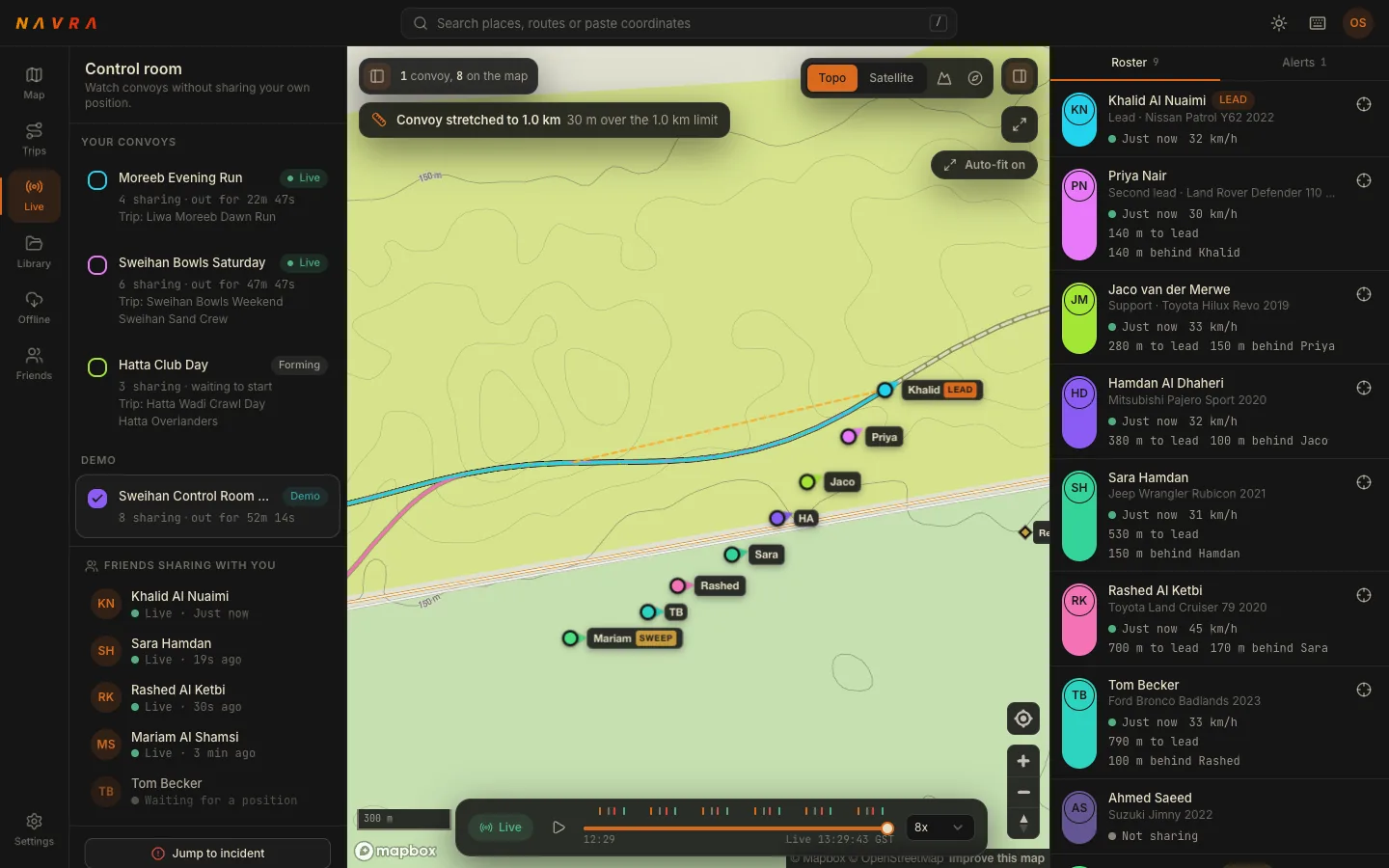
The live control room
Watch a convoy move on a big map: who is leading, who is sweeping, who has fallen behind and who needs help. Built for the person running the day, not the person driving.
All screens show sample data from the web app, not real drivers or locations.
One account
Same account, same data
Sign in with your Navra account. There is nothing to import and nothing to set up twice: what you save on one screen turns up on the other.
Sign in with the account you already haveUse the same email as in the app. New to Navra? Create an account and sign in on your phone with it later.
Everything syncsRoutes, tracks, waypoints, trips and convoys live on your Navra account, so they are the same ones in the app and in your browser.
Plan here, drive thereOpen the route on your phone at the trailhead and press go. The web app is for planning; the app is for the drive.
Who it is for
For the people who run the day
Organisers
Build the route, set the meeting point, invite the crew and keep the plan in one place. Check it on a proper screen before you share it.
Marshals
Run the control room from a laptop at the front of the day or the back of the convoy. See gaps open up before the radio calls start.
Planners
Sit down with a coffee, study the climb, trace a new line and file it in the library. The phone is for the drive, not the homework.
It works with the app
Honest about what costs what
Works with your account
The web app uses your Navra account and is built to work alongside the phone app, not replace it. The core phone app is free.
A note on Navra Pro
Navra Pro is the optional subscription in the app. It adds offline map downloads on your phone, terrain and 3D maps, so offline maps are downloaded on the phone. Current plans are shown in the app and on the stores.