
How it works
Plan. Drive.
Return.
No new habits to learn. Navra follows the shape of a trip you already know — it just removes the seven apps you used to juggle along the way.
Phase 01
Plan
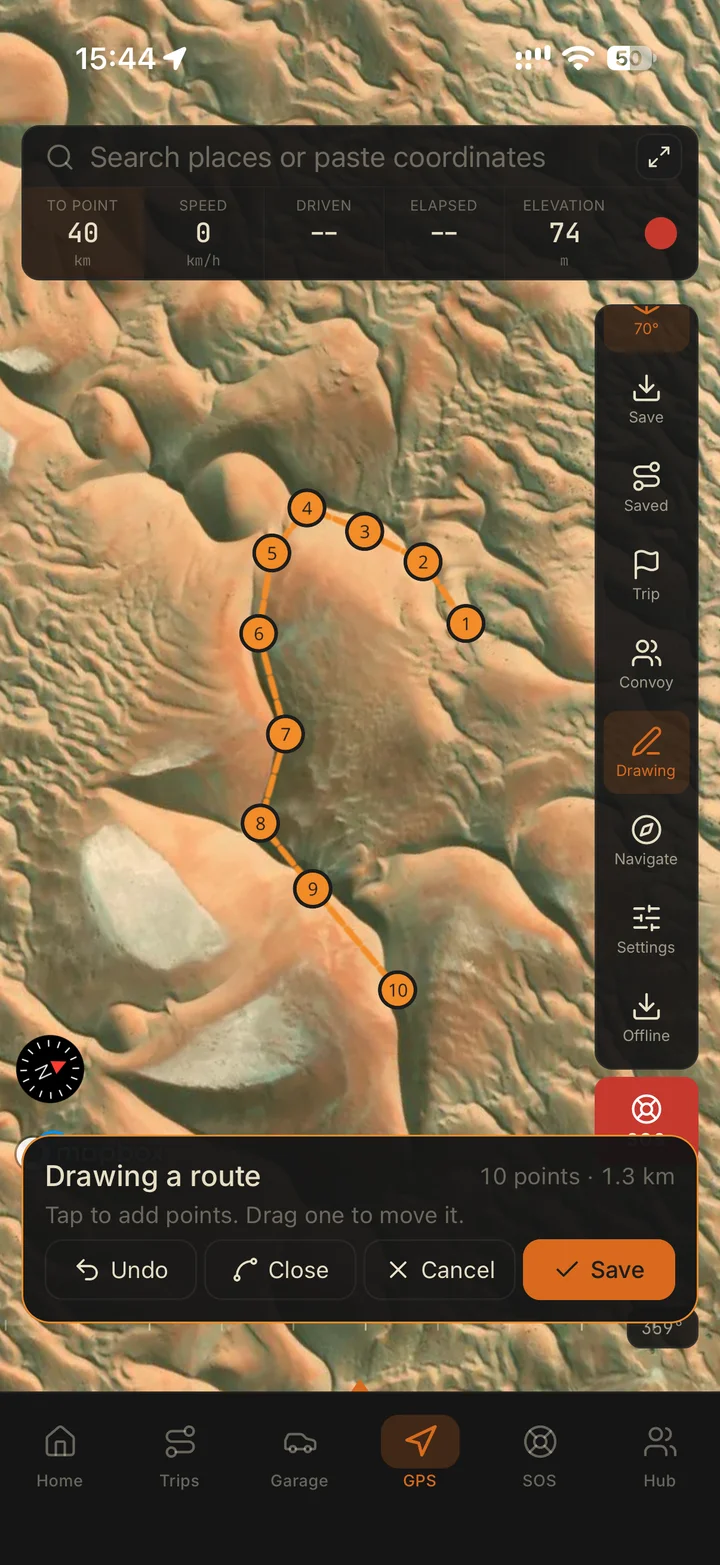
Build the trip in minutes. Attach GPX routes, drop waypoints, set the meeting point, add trip details and brief the crew — all in one drive pack.
- Create the trip and set the date
- Import GPX or drop waypoints
- Add the meeting point and trip details
- Invite the crew and brief once
Phase 02
Drive
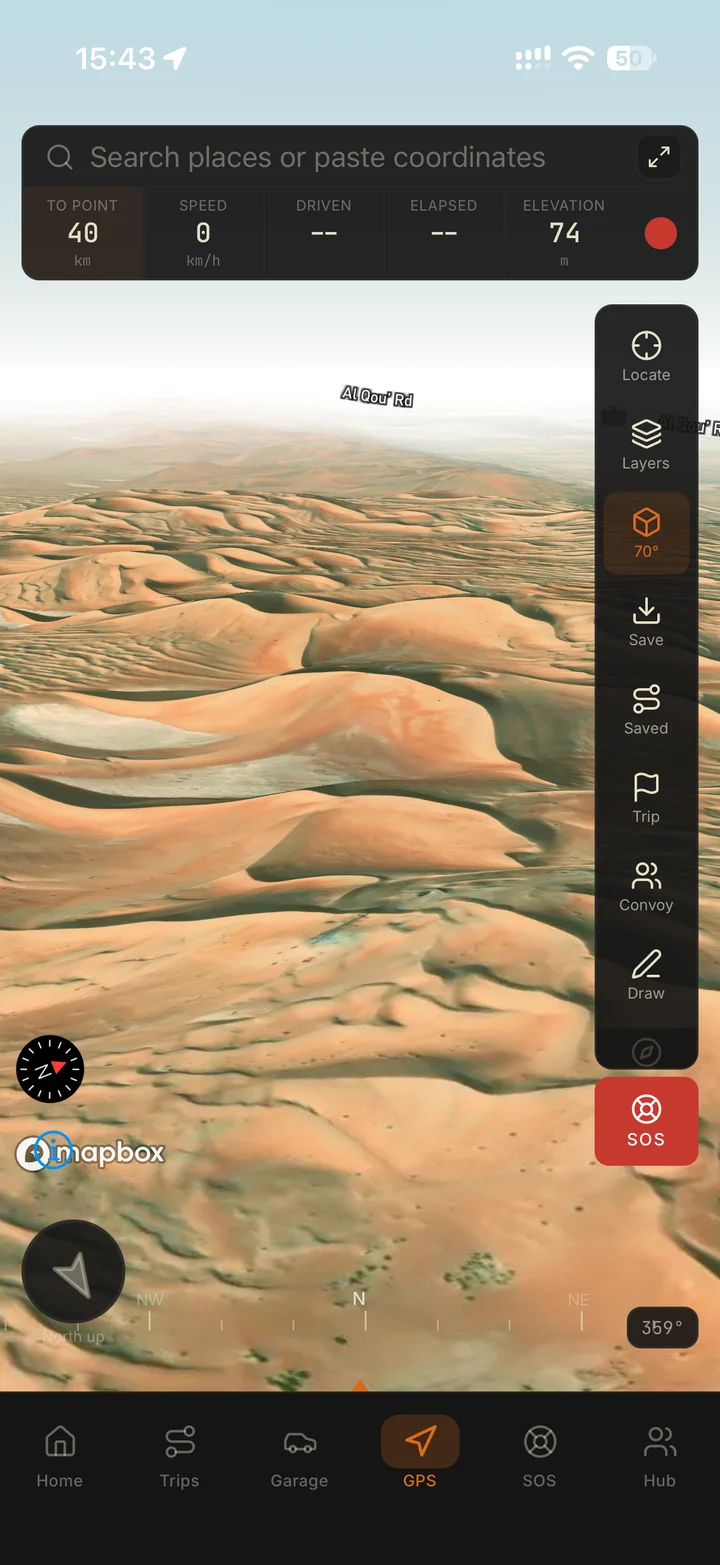
Navigate with GPS built for open terrain. Heading, coordinates, altitude and speed stay in view while the convoy stays organised.
- Heading, coordinates and altitude in view
- Distance and bearing to target
- Convoy organised in the app, not the thread
- Recovery contacts one tap away
Phase 03
Return
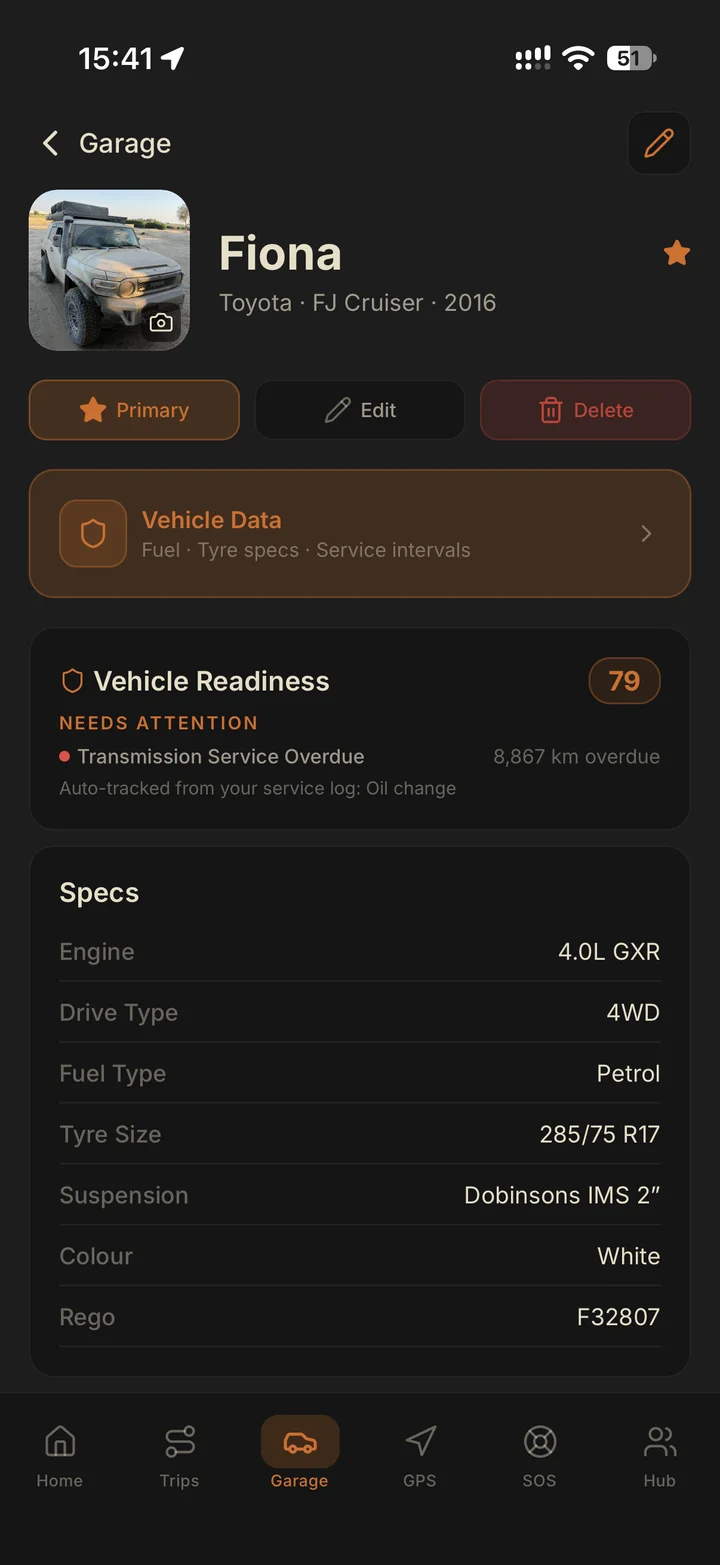
The trip logs itself against your vehicle. Service needs, recovery notes and drive history build a record that makes every next trip easier.
- Drive history saved to the vehicle
- Service and readiness flags update
- Recovery notes stay with the trip
- The next plan starts from real data
Three phases. Zero app-switching.
Get Navra on the App Store or Google Play. Check the app for current plans and bring your route, rig and crew together.