
Meeting information
Give the crew a named meeting point, usable coordinates or map link and a time. Check that everyone means the same place before the departure morning.
Navra practical guide / Reviewed 5 October 2026
Prepare a UAE trip in Navra with meeting information, drive brief, GPX route, waypoints and useful links. Check the vehicle and maps before the convoy leaves.
The practical fit
A drive pack gives the crew the route and trip information together. Begin with a specific meeting point, the intended drive and the people attending, then make the timing and expectations clear in the brief.
The optional Drive brief supports briefing and departure times, expected finish, driver-experience requirements and the last fuel stop. These are the organiser’s stated requirements: Navra does not verify a driver’s experience or automatically certify their readiness.
A long Liwa plan and an Al Sila camping journey have different preparation needs. Use the location notes to inform the discussion, then agree the actual route, fuel arrangements and return expectations with the people who will drive it.
What it solves
Give the crew a named meeting point, usable coordinates or map link and a time. Check that everyone means the same place before the departure morning.
State the schedule, requested experience and last fuel stop in the Drive brief. Distinguish meeting, briefing and driving times so people can arrive prepared.
Attach the GPX and relevant waypoints to the drive pack. Add useful links for information the route file cannot carry.
Each driver checks their own vehicle, app permissions, route file and map download. A shared plan does not mean every phone has already saved the necessary data.
Trips and drive packs
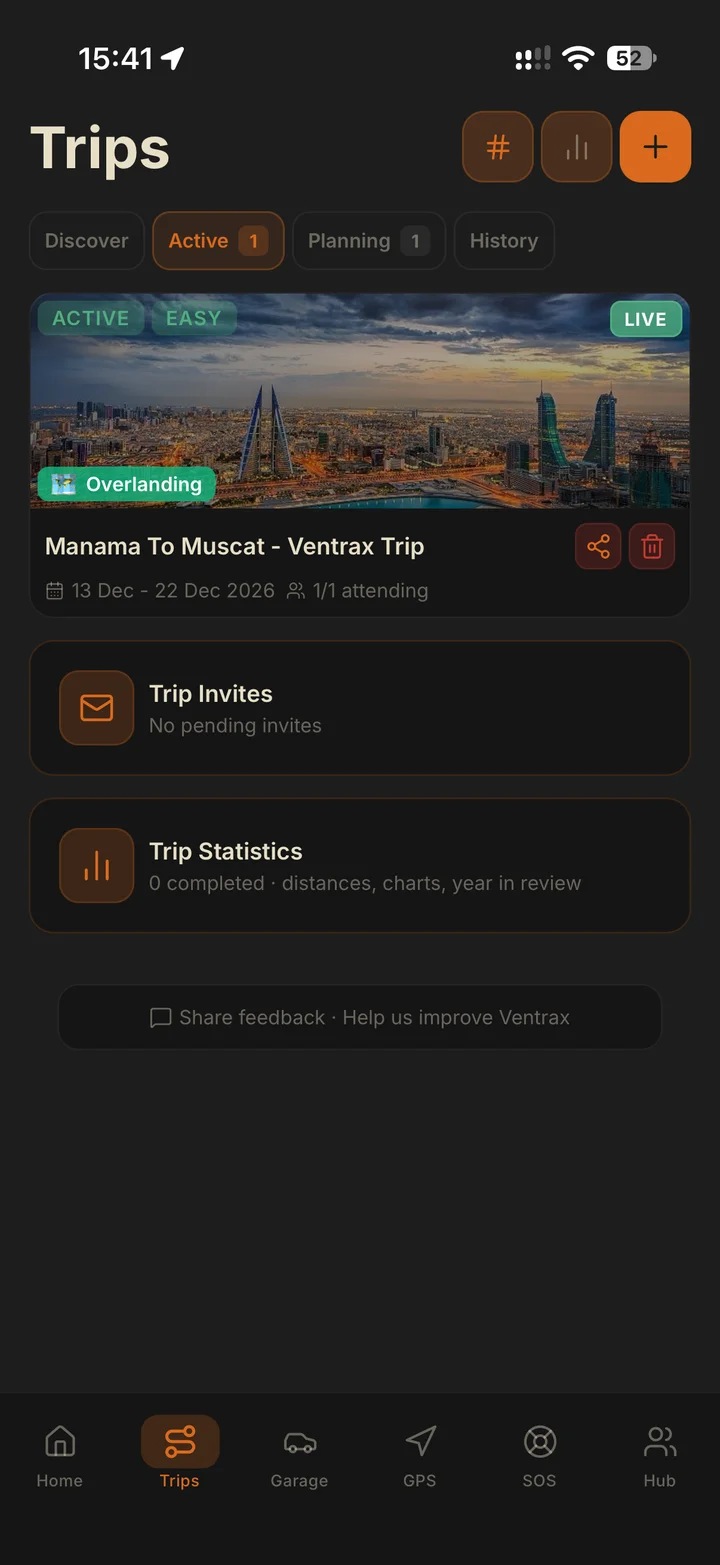
The trip keeps the outing’s information together. Use the drive pack for route files, waypoints and links, and the brief for timings and organiser requirements.
How it fits
In Trips, prepare the outing’s title, dates and meeting information. Give the meeting point a precise location and check its coordinate or map link.
Enter the briefing time, drive start and expected finish in the appropriate time zone. State the driver experience requested and any minimum previous drives, then add the last fuel stop when relevant.
Attach the intended GPX route, add important waypoints and place useful links with the trip. Inspect the route on the map and resolve missing or ambiguous locations.
Send the trip invitations, review the responses and confirm who is driving. Agree lead, sweep and convoy order with the organiser; the participant list alone is not the briefing.
Have each driver import or open the route and download their needed map areas with Pro. Review vehicle records and service information in Garage, then check the actual vehicle and equipment with the organiser.
While stopped, confirm the route version, meeting and exit information, communications and return plan. Start live sharing only after participants choose their mode; record the drive separately if you want a saved track.
Straight answers
Attach the intended GPX route, add relevant waypoints and useful links, and confirm the meeting information and crew. Put schedule, experience requirements and last fuel stop in the Drive brief when needed.
No. Experience level and minimum previous drives are requirements stated by the organiser. Navra does not verify them or automatically certify a driver for the route.
No. Each driver needs to check the route and download the necessary map areas on their own device with Navra Pro before leaving coverage.
Garage helps organise vehicle and maintenance information. It does not inspect the actual vehicle; confirm its condition and equipment before the drive.
Use Ventrax Offroad tutorials and field guides for preparation, then learn with an experienced club or qualified instructor. Navra guides explain app workflows and do not replace supervised driving practice.
Get Navra for iPhone or Android. Keep the meeting, route, crew and vehicle information together, then check the plan with your organiser.